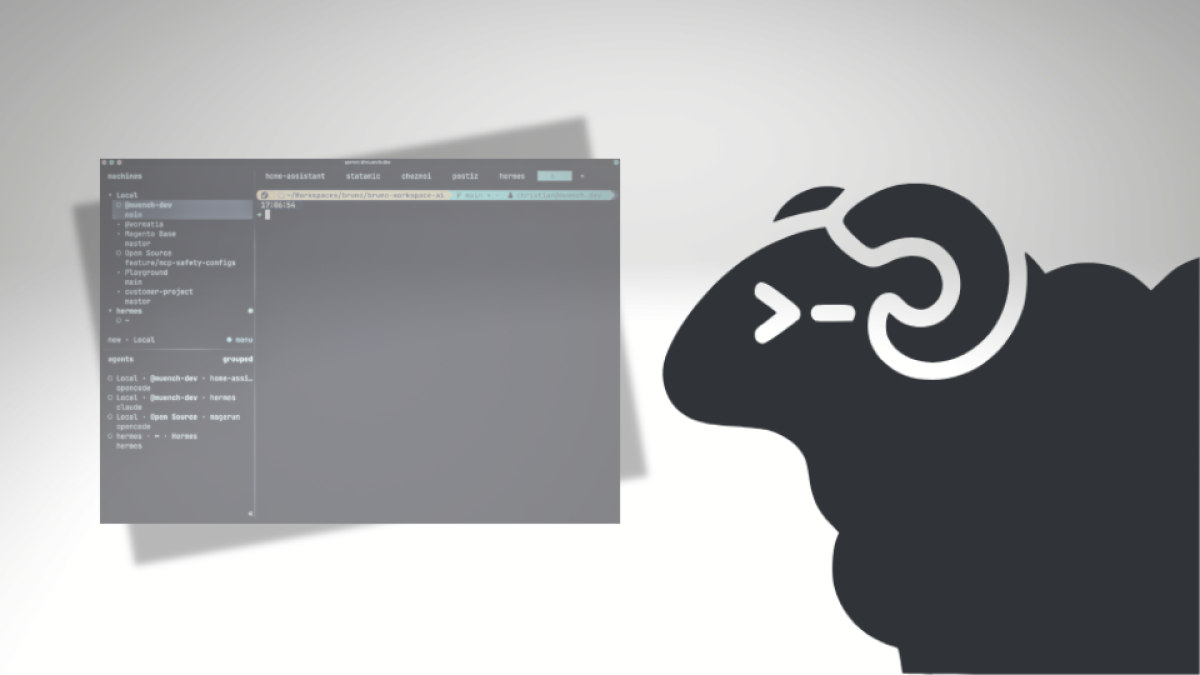
For me, a terminal multiplexer is a tool for keeping several working contexts in view at the same time. These might be local shells, SSH connections to servers, or sessions with coding agents.
For this, I use herdr. It can be used as a regular terminal multiplexer and supports various coding agents out of the box. It also offers persistent sessions and the ability to connect remote machines via SSH. This lets me organize multiple terminals and agent sessions in parallel in a single tool.
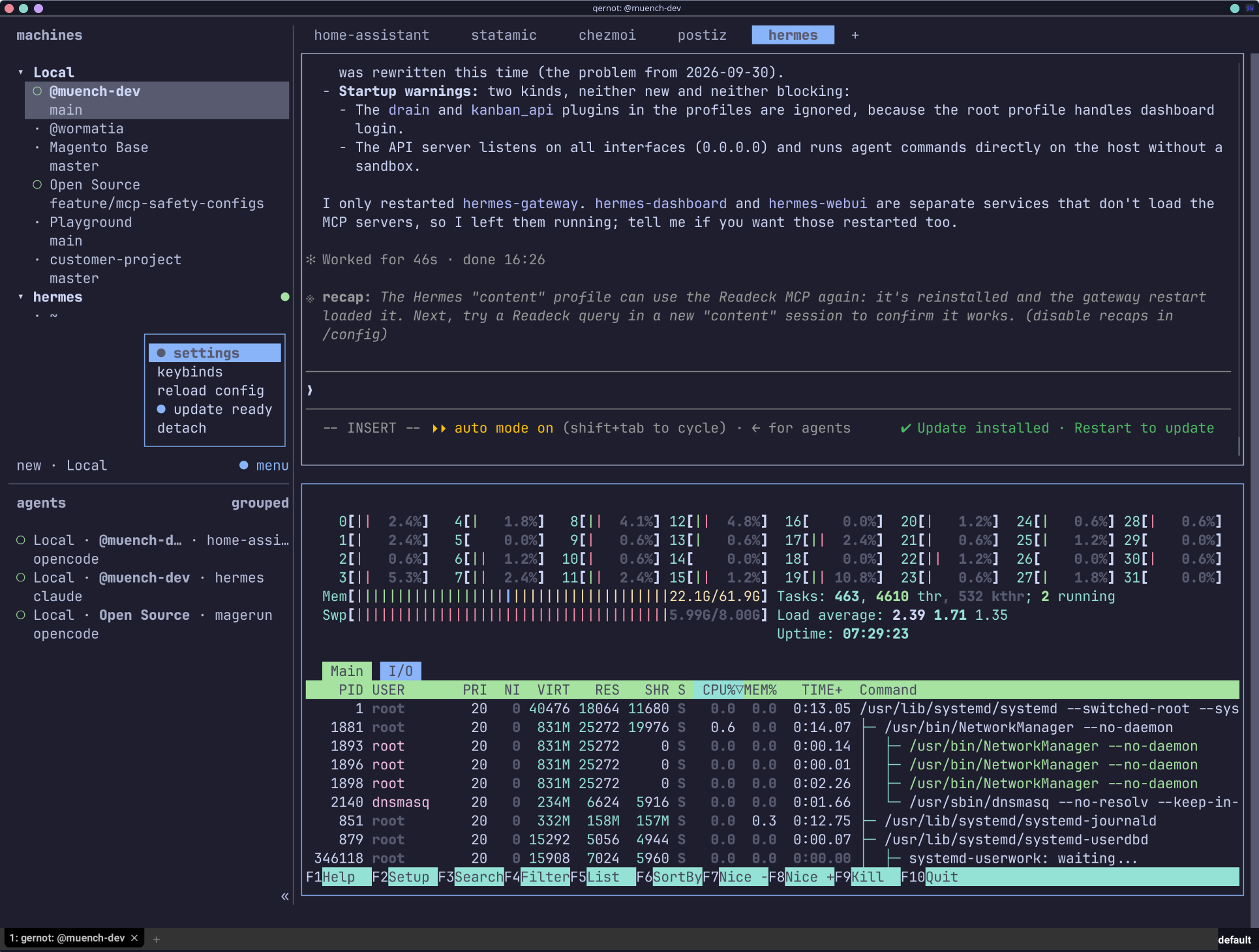
Even though it is a CLI tool, it is important to know that everything can also be operated with a mouse. All panes can be moved by drag and drop, as can tabs. Menus can also be opened with a mouse click.
Of course, everything works through the keyboard too.
More than terminal windows
herdr manages multiple sessions and workspaces. This is useful when, for example, I am developing locally, accessing a server in parallel, and running one or more agents alongside that.
One important difference from several ordinary terminal windows is the persistent session: herdr is based on a client-server architecture. Processes started in a session continue running even when I leave the connection or terminal. When I return later, I can carry on there and see the current state. This applies not only to coding agents, but to processes in the session in general.
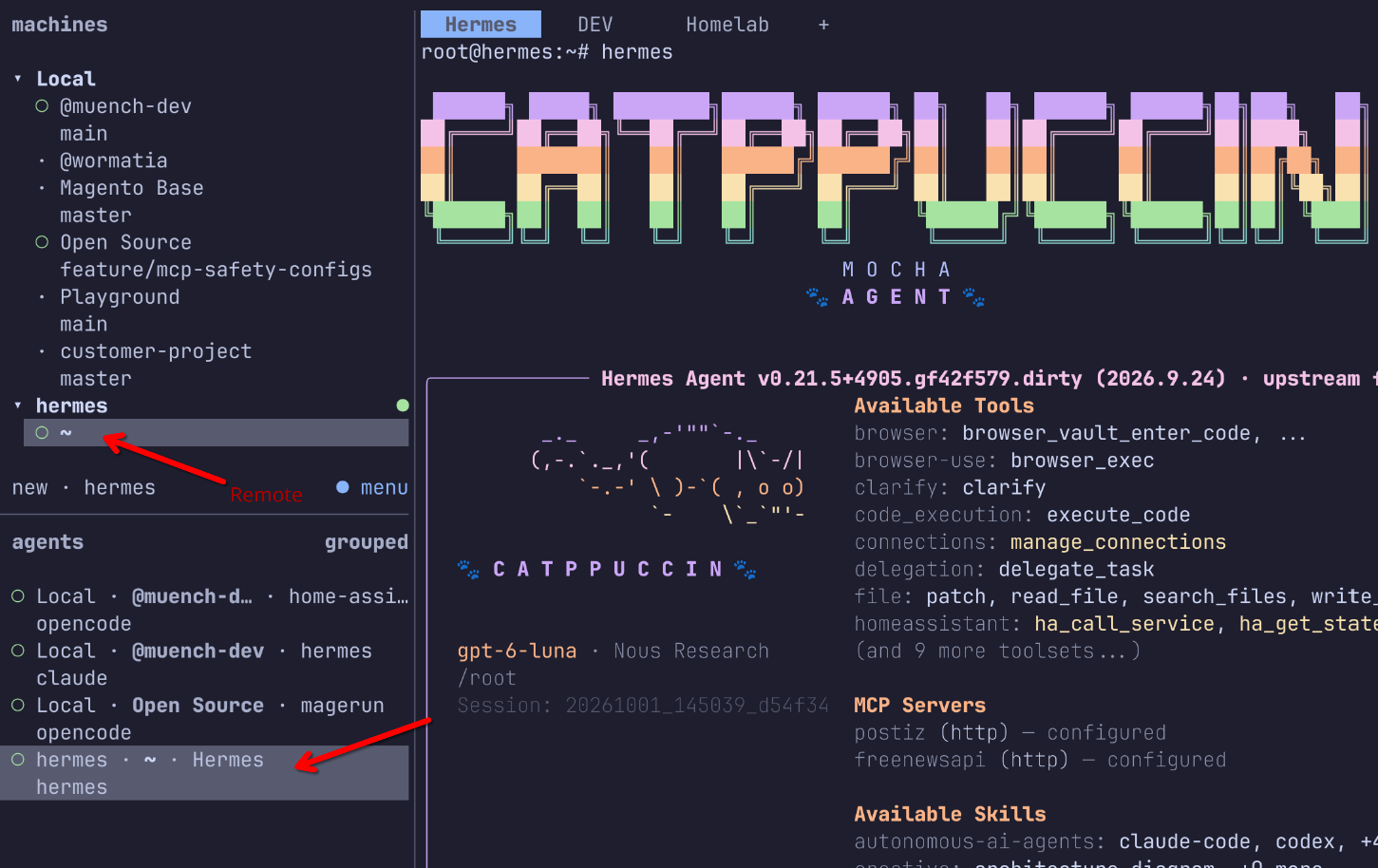
This lets me separate tasks without losing track of them: for example, one workspace per project, separate sessions for different agents, and additional terminals for server access.
Bringing agents into the terminal workflow
Coding agents frequently work directly in the terminal. herdr brings sessions, workspaces and agent integrations into a shared working environment.
This does not make herdr itself a coding agent. Rather, it organizes the environment in which agents and other processes run. The practical benefit comes when several tasks are being worked on in parallel and I want to switch between the respective sessions.
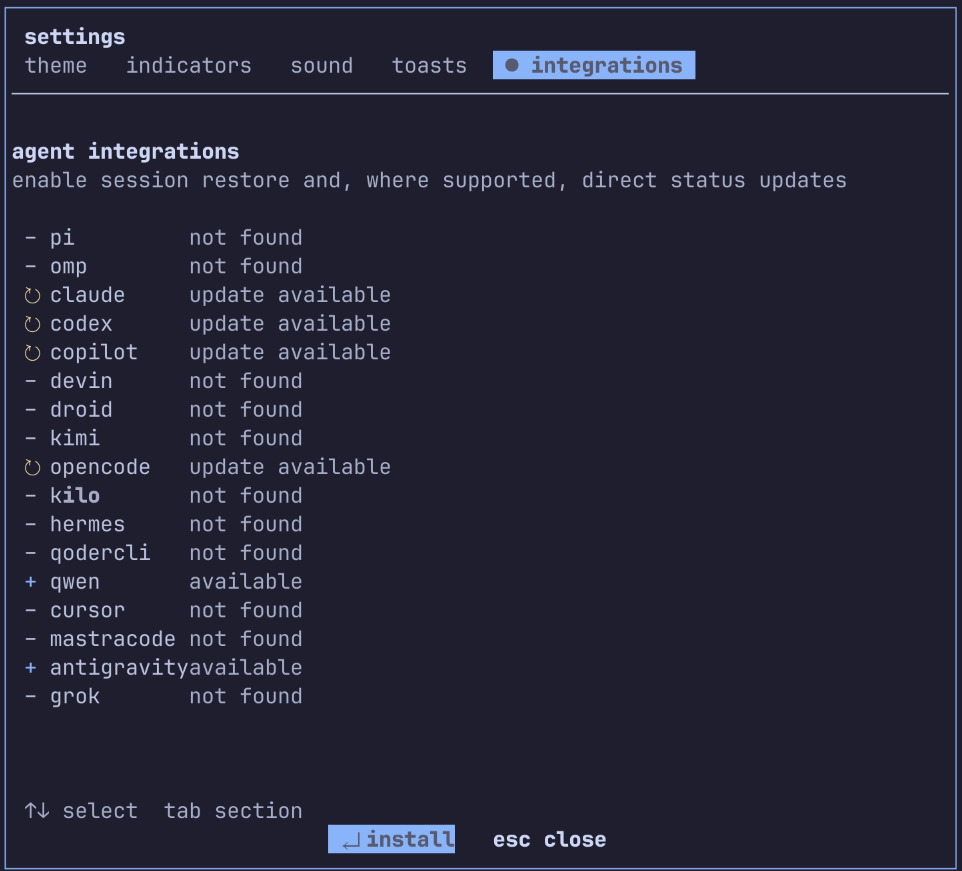
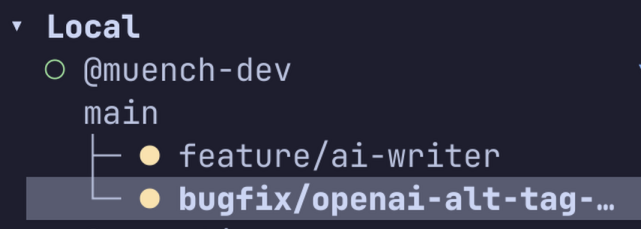
There are additional features too, such as Git worktrees for separate working states, plugins, configurable keyboard shortcuts, and tools like Neovim and Lazygit. Which of these are useful depends on how much of your own development environment you want to integrate into this workflow.
Agentic use
Herdr itself can be fully automated through the command line. It therefore makes sense for agents to control Herdr remotely too. For this, the project directly provides a suitable agent skill.
npx skills add herdrdev/herdr --skill herdr -g
The skill contains important CLI commands, for example for window management. In addition, the tool can also be controlled through a socket API.
Remote access and parallel sessions
For me, SSH access is an important part of the whole setup. Remote machines can be incorporated into the workflow, keeping local terminals, server access and agent sessions in view together.
This is particularly helpful when a task involves more than just local code. For example, you can work on a project, execute commands on a remote system, and observe the status of an agent session at the same time. The interface brings these contexts together instead of spreading them across different programs and windows.
Conclusion
I use herdr as a terminal multiplexer for ordinary shell work, SSH access and coding agents. The persistent sessions and the ability to bring multiple workspaces and remote connections together are what make it particularly interesting for my workflow.
There are other tools too, such as tuios, which may render more smoothly or look particularly stylish. Personally, I currently feel very comfortable with herdr and am significantly more productive with it.