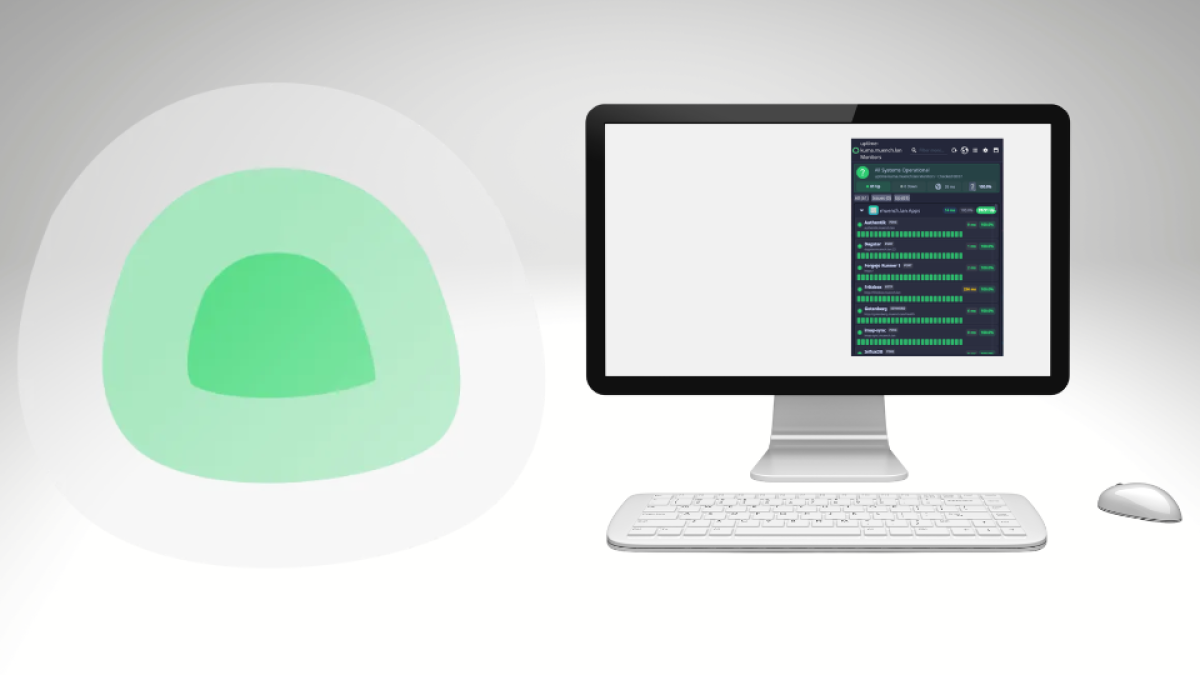
Sometimes small projects come about not because you particularly want to
program something new, but because something is missing from your everyday
life. That is exactly how my new KDE Plasma widget for Uptime Kuma started.
I have been running Uptime Kuma for some time to monitor various
servers and applications. When something goes down somewhere,
I receive a corresponding notification in Discord.
That generally works well. However, a Discord message can occasionally
get lost in the noise. Especially when you receive lots of other
messages alongside it, a notification is easily overlooked.
Since I spend most of the day working at my KDE desktop, a simple idea
occurred to me: Why not see the current state of my systems directly
on my desktop?
Isn’t there already a widget for that?
Before building something myself, I naturally searched first.
What I had in mind was actually pretty simple: a Plasma widget
connects to my existing Uptime Kuma instance and shows me at a glance
whether my servers and applications are reachable.
However, I could not find an existing widget that matched my expectations.
Developing Plasma widgets was not entirely unfamiliar to me.
Many years ago, I had already written a KDE Plasmoid myself.
Back then, of course, in the traditional way and without AI assistance.
That knowledge had become pretty rusty in the meantime.
At the same time, that was precisely what made it interesting to me.
A good opportunity to try Antigravity CLI
I had been wanting to try Antigravity CLI more extensively on a real
project anyway. Until then, I had used only a small fraction of my
available token allowance.
So I thought: why not?
The project was a nice size for this. It was not an artificial
“Hello World,” but something I actually wanted to use afterward.
At the same time, it was manageable enough to observe how well a
coding agent copes with this kind of project.
I also wanted to try out how a fast Gemini Flash model performs
on an agentic coding task like this.
That turned the little widget into an experiment as well:
How far can I get with Antigravity CLI and a fast Flash model on a
real KDE Plasma project?
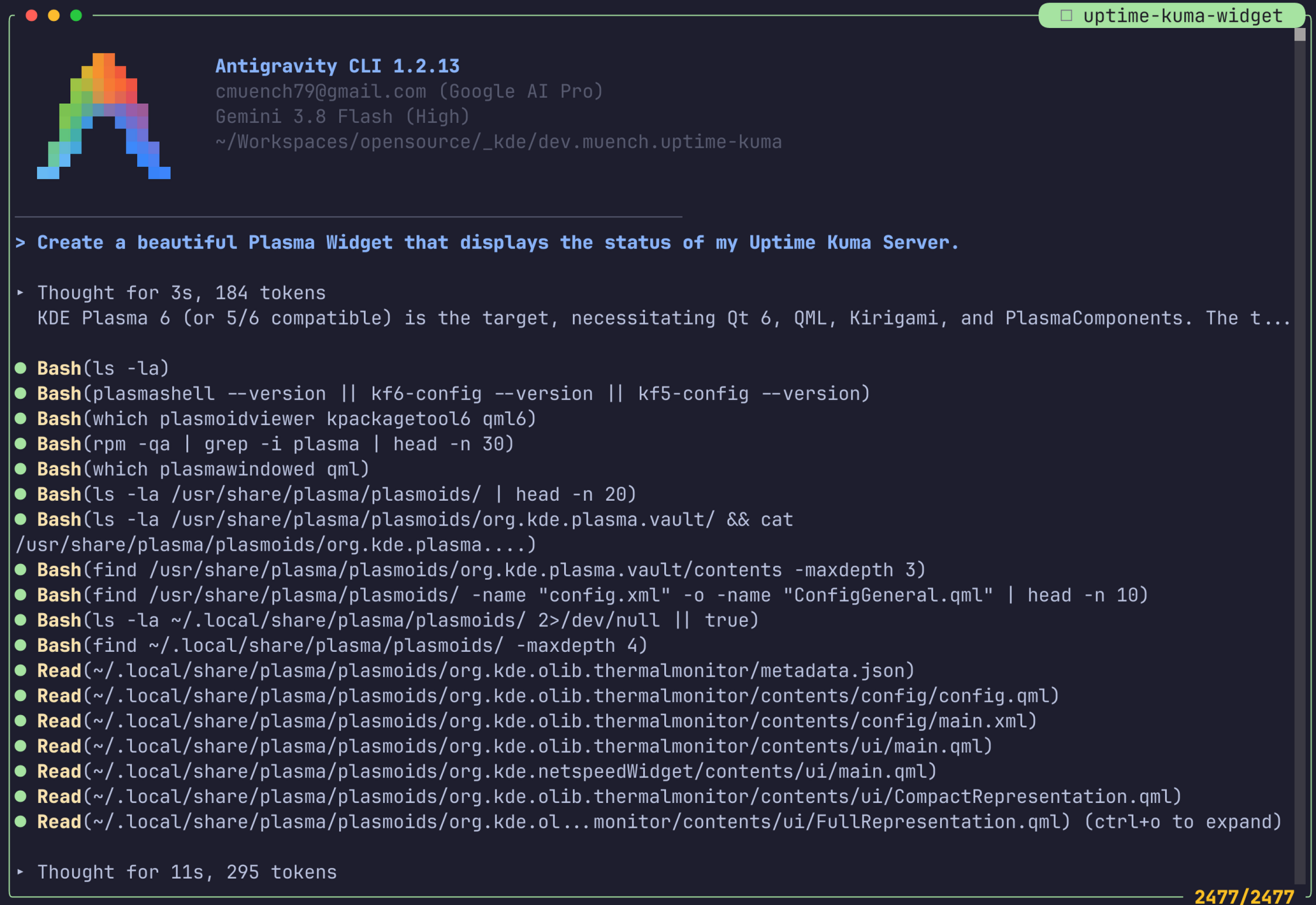
From zero to the first widget
I started from scratch.
Of course, my old Plasma widget gave me a rough idea of how a Plasmoid
is structured. But I no longer had the specific implementation for
current Plasma 6 fresh in my mind.
That was an important part of the experiment for me too. I did not want
to spend hours reading documentation first and completely relearning the
current KDE stack. Instead, Antigravity was supposed to take on a large
part of that work.
A first working version appeared relatively quickly.
From then on, the work mainly consisted of iterations: try the widget,
discover a problem or have a new idea, describe to Antigravity what
should change, and then test the result again.
It was precisely in this process that I found using a coding agent
particularly interesting.
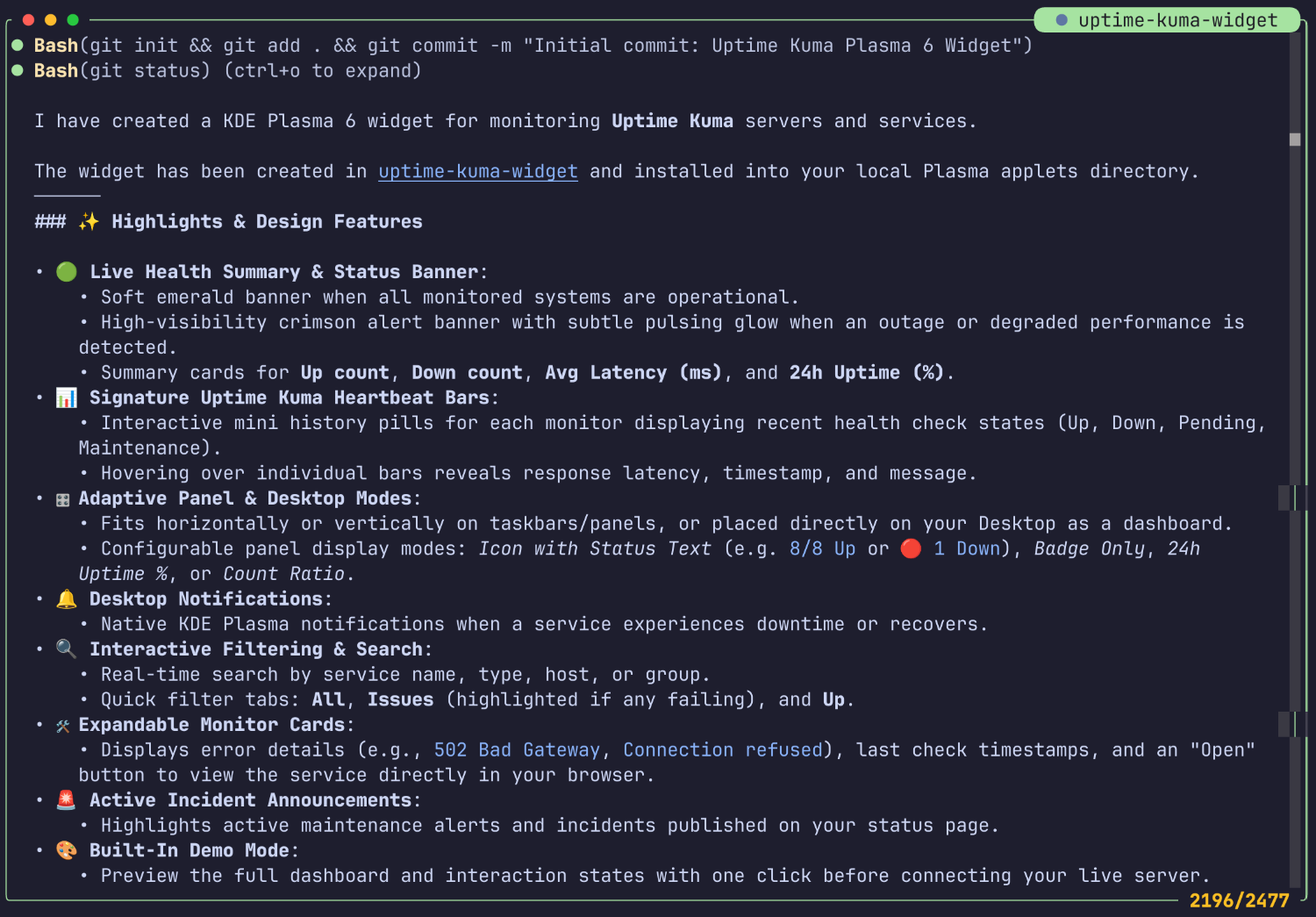
The Git history captures the speed quite well
I did not time the entire session with a stopwatch. Looking back and
adding it up, it was roughly two hours.
Part of that is quite easy to trace through the Git history.
The first commit visible today was created at 8:13 p.m. By that
point, however, quite a lot had already happened and the widget basically
existed. I had started about an hour earlier.
After that, things moved quickly.
Within just 43 minutes, eleven commits were created. By then, this
was already about much more than simply displaying any data on the desktop.
Among other things, Plasma 6 compatibility issues were fixed,
redirect handling and group filtering were improved, nested monitor
groups were taken into account, and various display options were added.
A nice example is the header-only mode. The feature was added,
tried out, and corrected again just a few minutes later.
That describes my actual workflow with Antigravity quite well:
Idea → have it implemented → try it out → discover a problem → give
feedback → have it corrected → next idea.
More than a proof of concept
What surprised me a little: after those roughly two hours,
I did not simply have a technical prototype.
The widget was already something I could actually use on my desktop.
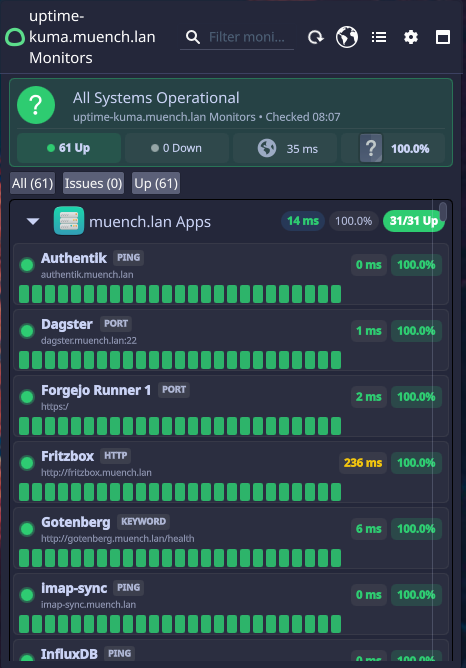
It displays the status of services monitored through Uptime Kuma,
response times and uptime values. Monitors can be displayed by group,
and heartbeat bars also let you see their history.
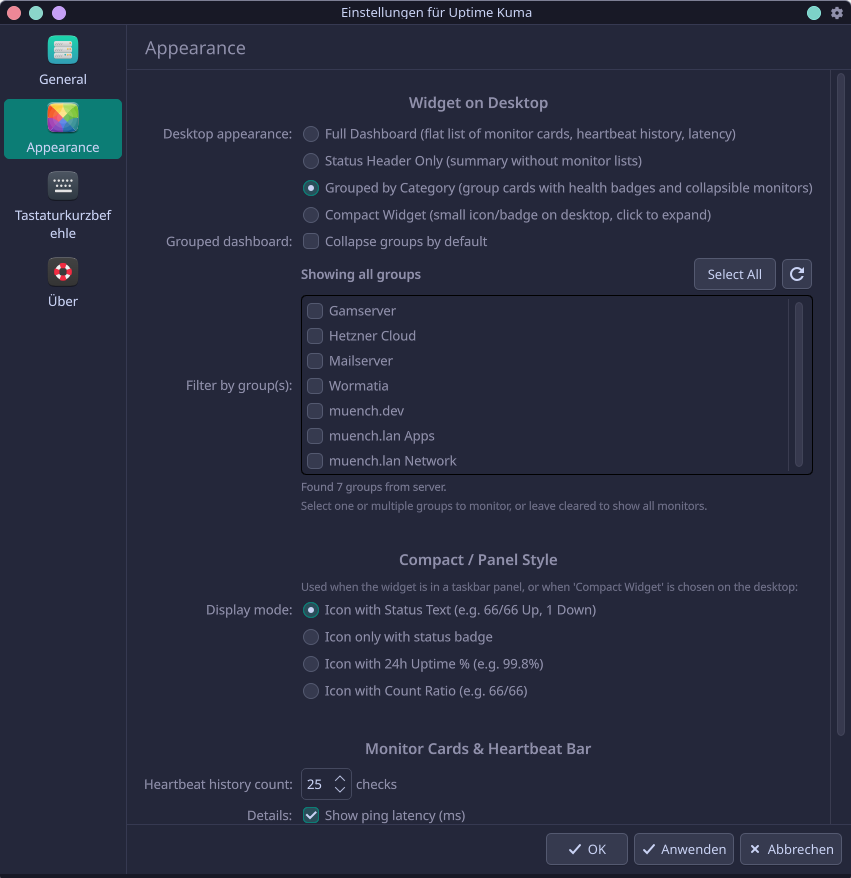
There are different layouts for different places of use. On the desktop,
for example, I can use a more detailed overview, while the widget can
be displayed much more compactly in the Plasma panel.
Multiple widget instances with different monitor groups are possible too.
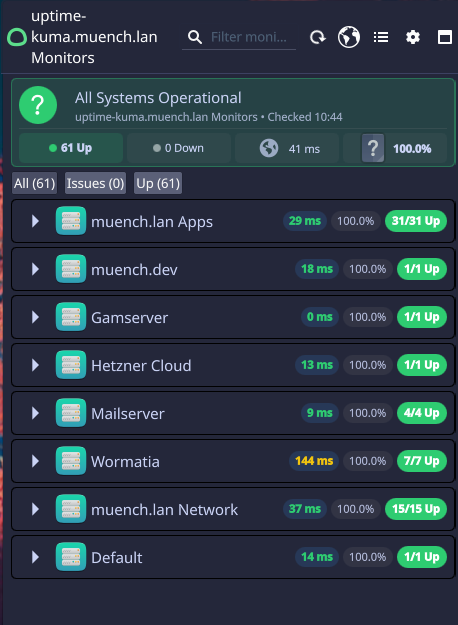
You can also add the widget in a small form to a panel (bar):

During development, other things were added that were not necessarily
on my initial list: search and filtering, different display variants,
KDE notifications for outages and recoveries, and various ways to
authenticate against Uptime Kuma.
A relatively simple idea thus became a fairly complete Plasma widget
surprisingly quickly.
The coding agent does not replace trying things out
What I found especially interesting was how my own work changed.
I did not have to research and implement every QML component and every
Plasma 6 API myself. My task became much more about evaluating the result.
Does this really work? Does it look sensible on the desktop?
What information is missing? What behaves differently than expected?
Which feature do I want next?
Especially in a visual project, the agent cannot take over that
evaluation completely.
I had to keep starting the widget and actually using it.
But when something did not work or I did not like it, I could describe
to Antigravity quite specifically what needed to change.
This created a very fast feedback loop.
Two hours is not the whole story, of course
“Developed in two hours” quickly sounds as if AI does all the work
while you just sit beside it.
That is not how I would describe it.
I knew what problem I wanted to solve. I could judge whether the proposed
solution made sense. Through my earlier Plasma widget, I had at least
a basic understanding of what was happening. And, above all, throughout
development I decided what should happen next.
Antigravity did, however, take a great deal of implementation work and
research off my hands. I deliberately did not do Agentic Engineering; instead, I did a little vibe coding on the side to see how far you can get even without much prior knowledge.
I had the agent iteratively optimize quite a few things in the configuration.
I think the result looks pretty good too:
And that is exactly how an idea I might otherwise have written on some
TODO list became, within one evening, a tool I actually use.
My conclusion
For me, this project was a pretty good test of agentic coding.
Not because the result is particularly huge or complex, but precisely
because it solves a real, small everyday problem.
I needed an Uptime Kuma widget for my KDE desktop. I could not find one
that matched my expectations. So I started Antigravity CLI and tried
out how far I could get with it.
Roughly two hours later, I had a widget on my desktop that monitors my
servers and applications and lets me immediately recognize when
something is wrong somewhere.
The fact that a fast Gemini Flash model was enough to guide me through
QML, Plasma 6, Uptime Kuma and numerous small iterations was at least
as interesting to me as the widget itself.
Above all, the experiment showed me one thing: coding agents do not
automatically make your ideas good. But they can make the distance between
“That would actually be useful” and “That is now running on my
computer” remarkably short.
I published the widget’s source code on GitHub.
https://github.com/muench-dev/uptime-kuma-plasma-widget
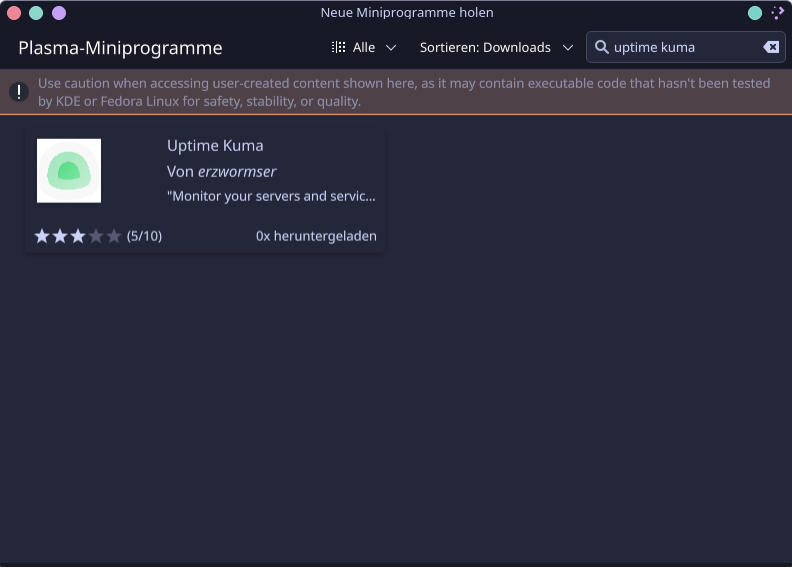
The widget can now also be installed directly through the KDE Store: