Over the past few months, I have written a lot about the development of AI agents and the importance of standards such as the Model Context Protocol (MCP). Anyone who knows me knows that I am always looking for tools that are not only powerful, but also flexible and open. After testing numerous agents, I have settled on OpenCode. Why? Because it offers exactly the independence that is often missing in today's AI landscape.
Why OpenCode? Freedom through open source
The main reason for my switch to OpenCode is the philosophy behind the project. The tool is available under the MIT license directly on GitHub, making it a genuine open-source alternative in a market full of proprietary "black boxes".
At a time when it is easy to tie yourself to a single provider, OpenCode offers an impressive range of supported providers. Whether OpenAI Codex, GitHub Copilot or Google – you no longer depend on the goodwill of a single vendor. Particularly interesting: you can configure several providers at the same time. When you have used up your quota with one service, you simply switch to the next. Local instances via Ollama can also be integrated easily, which I already highlighted as a major advantage for privacy and cost control in my n8n agent setup.
But I do not want to gloss over the fact that there have recently been problems using Claude Code. Anthropic no longer wants people using CLI tools other than its own.
See also: YouTube: What's going on with Claude Code and OpenCode?
OpenAI immediately took advantage of this situation to explicitly point out that it definitely likes OpenCode and, of course, supports it. There is a bit of politics at play here. But it also shows that you should think about the independence of your own tool stack.
What if, for political reasons, it becomes impossible to use one model or another? In that case, I do not want to migrate my entire environment to another tool with vendor lock-in. This is exactly where OpenCode gives me a certain degree of security.
A developer's paradise: TUI, LSP, skills, ...
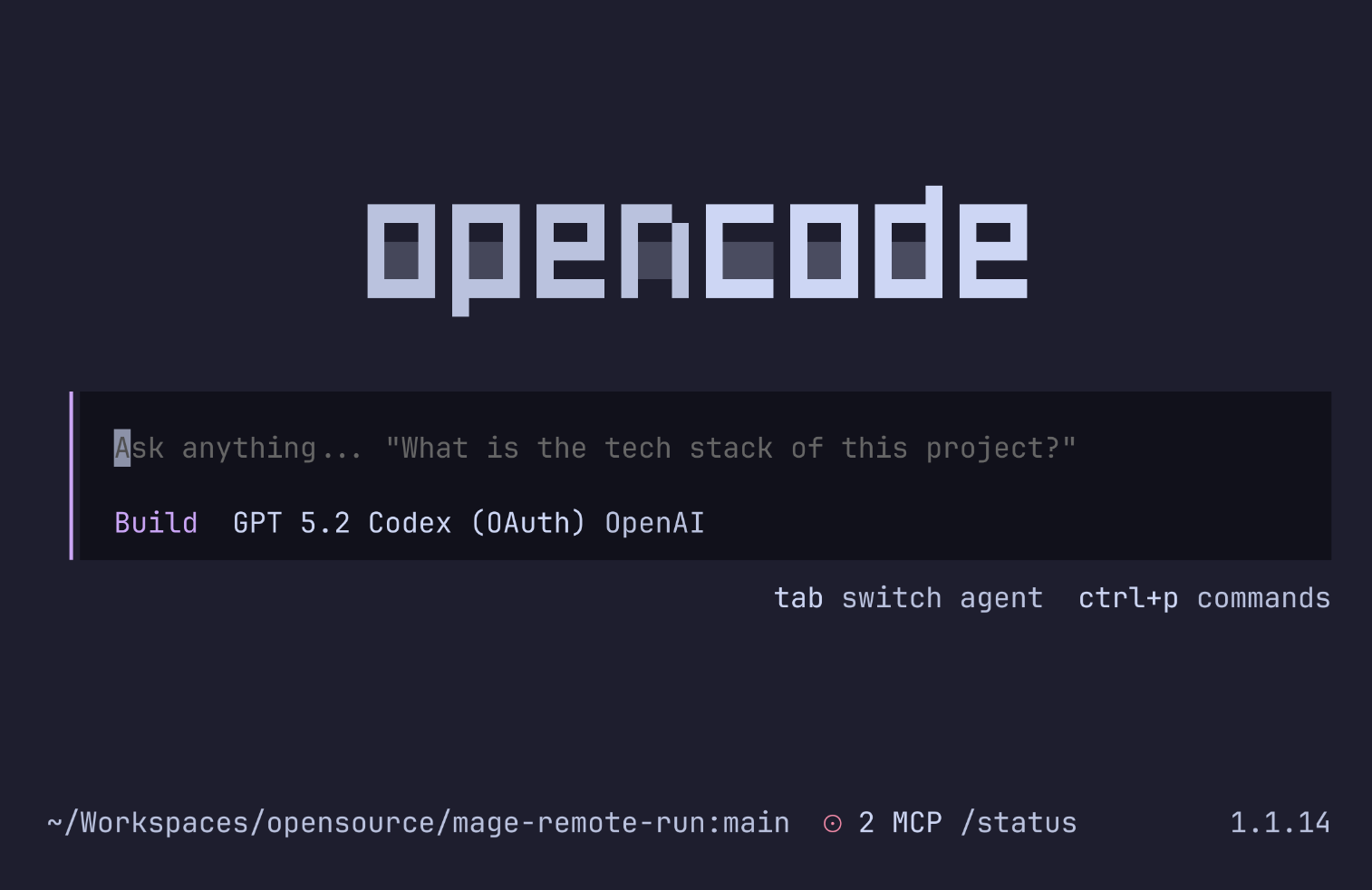
OpenCode is built by developers for developers. You notice it everywhere – starting with the sleek TUI (Terminal User Interface).
The user interface (TUI)
The TUI offers everything you need for an efficient workflow:
- Themes & configuration: Everything can be customized down to the smallest detail and even overridden per project.
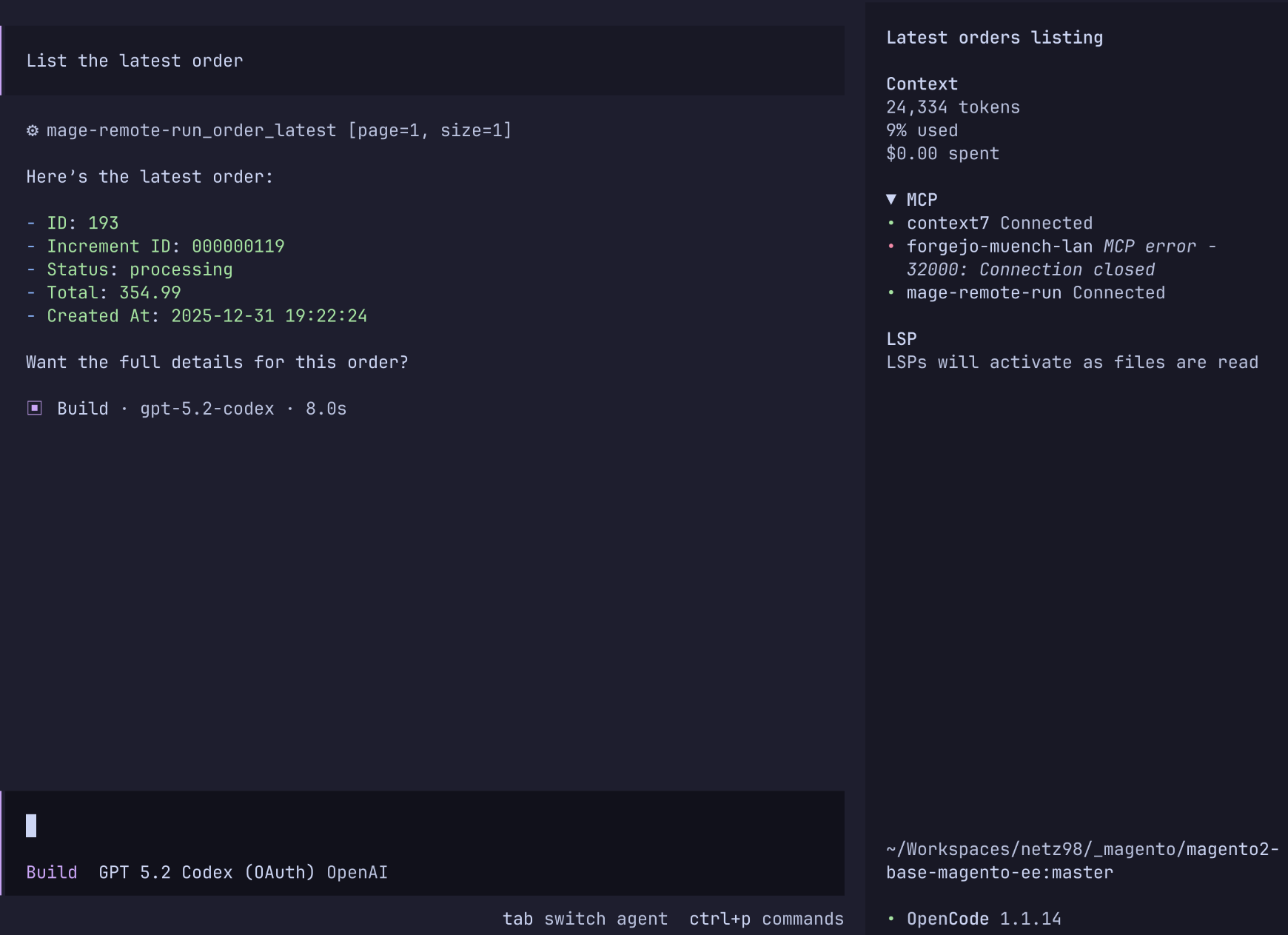
- Sidebars & status: Important information and the status of the current model are always in view.
- Shortcuts: Quick keyboard shortcuts let you switch models or check the status.
- Slash commands: Similar to Mattermost, tasks can be controlled using slash commands. Thanks to its own SDK, you can even develop your own commands and plugins.
Technical integration
An AI agent is only as good as its understanding of the code. OpenCode uses language servers (LSP) and formatters specific to each programming language to ensure precise code analysis and manipulation. It also supports Agent Skills (via agentskills.io), allowing you to build lightweight local tools without having to set up an entire MCP server straight away.
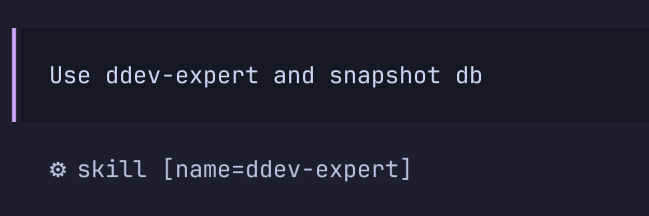
But do not worry: MCP is, of course, fully supported as well.
Architecture: Flexibility in any environment
In my article about monolithic vs. distributed agents, I discussed the advantages and disadvantages of different structures. OpenCode builds an interesting bridge here:
- Sub-agents: You can create agents with specialized sub-agents and simply use the Tab key to switch between them in the TUI.
- Parallel sessions: Working on several tasks at once? No problem.
- Headless & web mode: Headless mode is particularly useful for environments where you need to access databases or systems that are not directly reachable. Alternatively, OpenCode can be started as a web server to work directly in the browser.
- IDE support: Those who prefer to stay in their familiar environment will find a growing number of plugins for popular IDEs. Integration into other tools such as Maestro and support for ACP are available too. Personally, I lean more toward the CLI.
Installation: Ready to go in seconds
Installation could hardly be simpler and supports pretty much every common package manager. My favorite is installation via NPM, but there are plenty of ways to get there:
# Über NPM (oder bun/pnpm/yarn)
npm i -g opencode-ai@latest

# macOS & Linux (empfohlen via brew)
brew install anomalyco/tap/opencode

# Windows (via Scoop oder Choco)
scoop install extras/opencode
choco install opencode

# Arch Linux
paru -S opencode-bin
A small tip to get started: the opencode debug command lets you check the current configuration, including MCP servers and skills. That saves an enormous amount of time when troubleshooting.
My verdict (so far)
Working with OpenCode is simply fun. The project is active, the community is engaged, and the documentation leaves hardly any questions unanswered. It is the "Swiss Army knife" for AI-assisted coding, offering exactly the flexibility I want for my infrastructure.
What do you think of open-source agents?