
Today, a little tool I came across on Twitter through a tweet by @s_bergmann.
This nice little program greatly improves the appearance of git diff output.
Installation
In most package systems, this little helper can be found as the git-delta package.
On Arch Linux, I installed it using sudo pacman -S git-delta.
On the Mac, it can also be installed easily using brew install git-delta.
After that, the "delta" binary is available with a very large number of options.
Running delta --help shows the extensive range of options.
GIT configuration
To enable Delta as the "differ" for GIT, you need to add it to the configuration.
In my case, this is under ~/.gitconfig.
[core]
    # Ich nutze hier den Dark-Model mit Zeilennummern.
    pager = delta --line-numbers --dark

[interactive]
    diffFilter = delta --color-only

[delta]
    navigate = true
    light = false

    # Wer viel Platz am Bildschirm hat,
    # kann auch den Diff nebeneinander anzeigen.
    side-by-side = true

[merge]
    conflictstyle = diff3

[diff]
    colorMoved = default
A git diff then looks like this, for example:
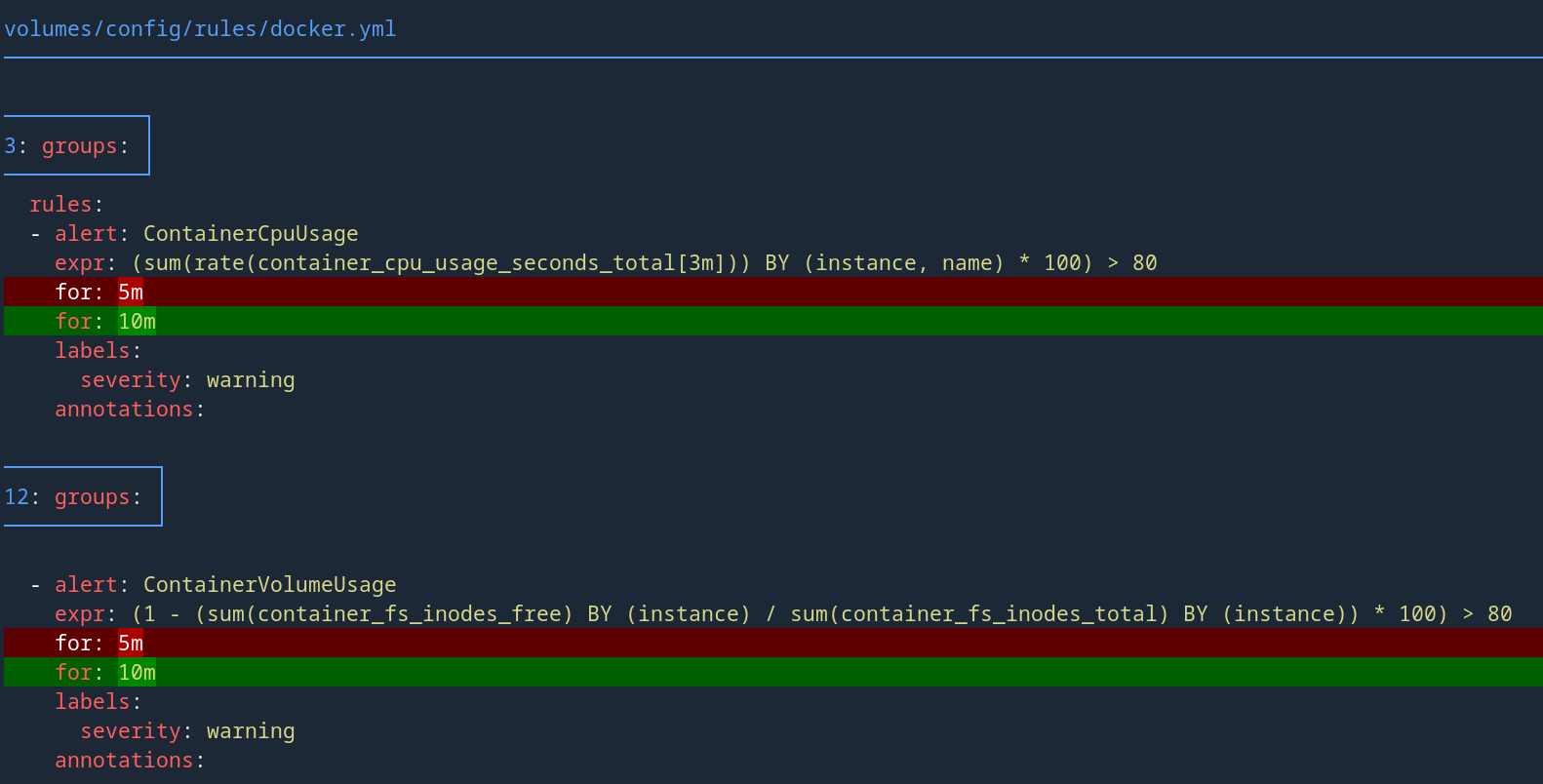
git blame and git show are now much clearer too.

If you also want line numbers or side-by-side diff output, you can enable this in the configuration too.