For a while now, I have enjoyed using ddev as the environment for my PHP projects.
As a maintainer of the open-source tool n98-magerun, I have been thinking about how to make it easier for others to get started with the project.
And what is the obvious choice? Providing a ddev setup, of course.
What does the ddev setup do?
- Provides the correct PHP version in a Docker container
- Installs Magento test systems (Magento 2.3.x and Magento 2.4.x)
- Provides the necessary tools for building the n98-magerun2.phar file.
- Provides a test environment
In action!
Simply enter ddev start.
Beforehand, the environment variables MAGENTO_REPO_USERNAME and MAGENTO_REPO_PASSWORD need to be stored in .ddev/config.yaml.
If this has not been done, a corresponding message appears when the environment starts up.
This is needed to install the Magento test systems through Adobe's servers. Perhaps I will switch this to the Mage-OS package servers too. Those do not require credentials. These are only needed for Adobe's Composer package server.
For me, it looks like this:
Installation of the Magento instances is not shown in the screencast because that had already happened on my machine.
So that we do not have to perform the installation again after every restart, we create a persistent Docker volume in the ddev setup, where the source code of the systems is stored permanently, and skip installation when the environment starts again.
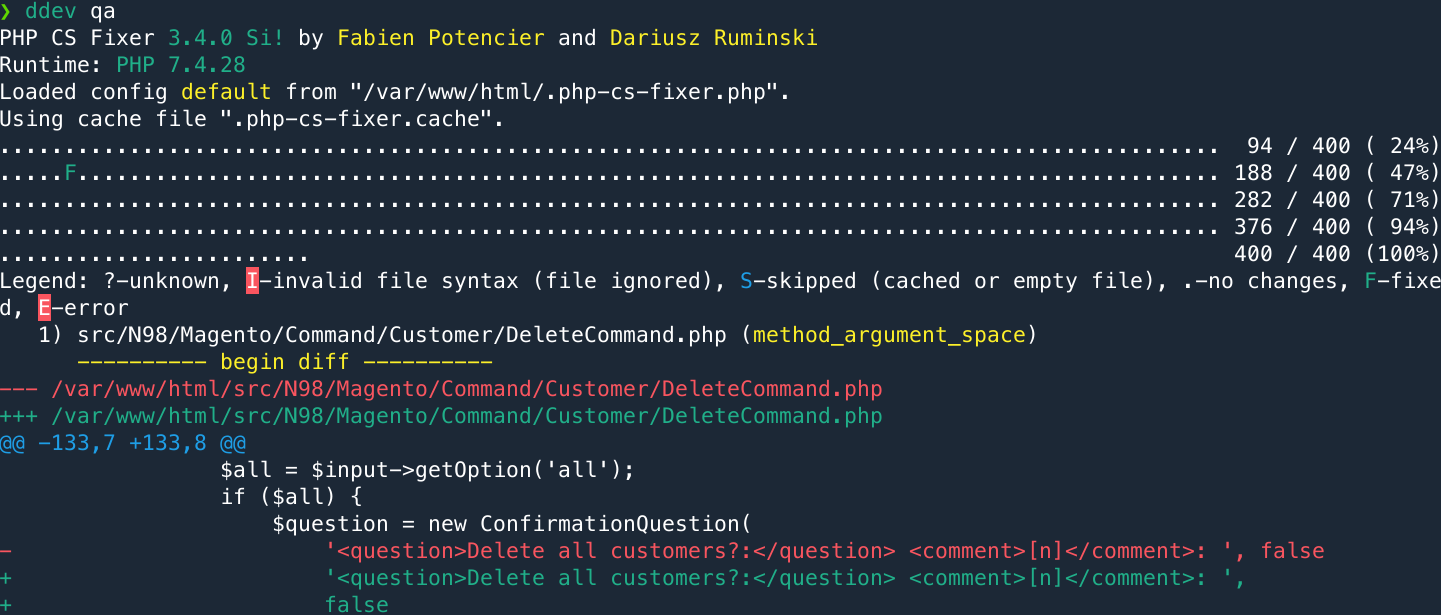
A quick static code analysis can also be run conveniently using ddev qa.
For anyone who wants to understand the details,
here are the most important files: