If you do not want to spend too much money, you can use one of the many GIT administration tools. gitolite and gitosis are very popular. We have been successfully using the latter at netz98 for years.
Unfortunately, gitosis does not offer a web interface for administration, for example. That is not much of a problem at first if you only manage a few repositories. But as their number grows, you quickly lose track. This can also lead to security vulnerabilities in some circumstances. When an employee leaves the company, their permissions in the individual groups should also be revoked. But if the file is confusing, you may forget to adjust something here or there.
This is where my new tool n98-gitosis-admin comes in. It reads the configuration from gitosis.conf in the checked-out gitosis-admin repository and sorts its contents. Groups are written to the file first, followed by repository entries. Gitosis allows repositories to be added simply by adding entries to a list within a user group. Here, too, it is easy to lose track if the file is edited with vim, for example. Over time, the list gets longer and longer for some groups. My tool brings clarity here as well. All repository entries are now explicitly generated from the group permissions too. A user can also be deleted with a single instruction and automatically removed from all groups.
CLI Interface
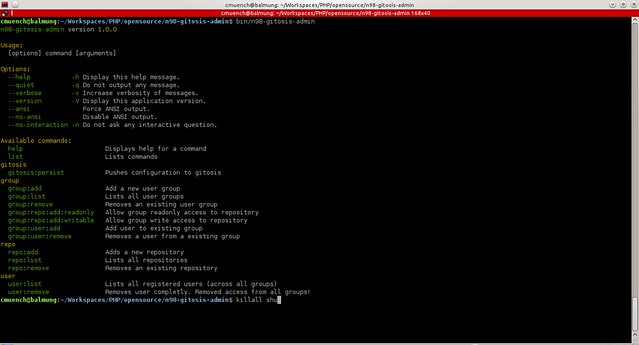
The following commands can be run through the CLI interface:
gitosis:persist: Persists the configuration. Pushes to the remote
group:add: Creates a new group
group:list: Lists all groups
group:remove: Deletes a group
group:repo:add:readonly: Adds a repository to a group with read access
group:repo:add:writable: Adds a repository to a group with write access
group:user:add: Adds a user to an existing group
group:user:remove: Removes a user from a group
repo:add: Creates a new repository
repo:list: Lists all repositories alphabetically.
repo:remove: Deletes a repository from gitosis.
user:list: Lists all users across all groups.
user:remove: Deletes a user (including from groups)
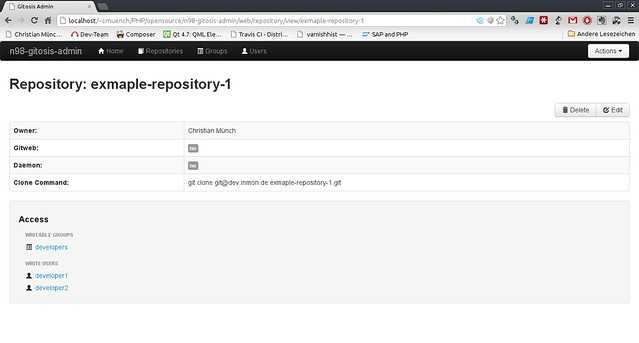
Web Interface
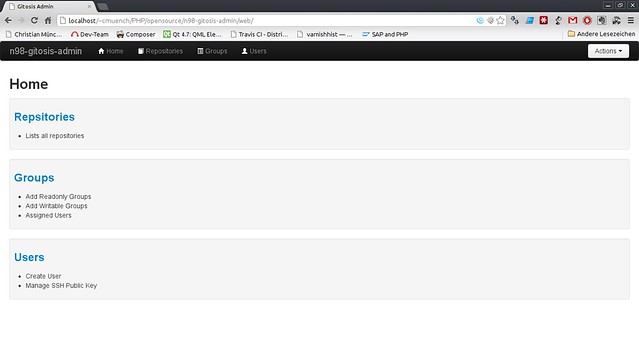
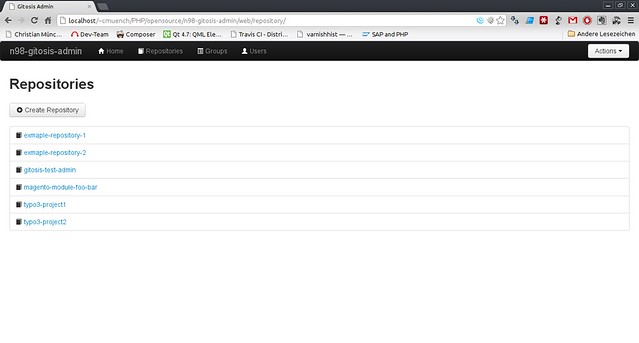
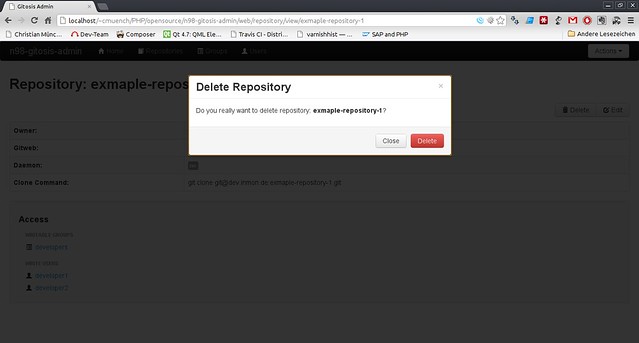
The web interface offers many more possibilities:
Download
The software has been published as open source on github. There are certainly still a few features one could imagine implementing. A security layer is currently missing, for instance. Localization, for example in German, is also still missing.