I recently bought a new computer. For the DVD writer, I treated myself to a nice Samsung "WriteMaster" drive for a few extra euros.
If you own such a nice writer, you have to try it out. I did not have high expectations, though. "The thing probably won't run on Linux anyway!" was my attitude. But I was very wrong. To my surprise, LightScribe ran quite smoothly on Linux.
And here is how to burn nice LightScribe labels on Ubuntu Linux...
1. Download the system software as an RPM package from www.lightscribe.com.
2. Convert the downloaded RPM into a Debian package with Alien.
3. Then install the Debian package.
**4. Install the "4-L" labeling software through the package manager
apt-get install 4l
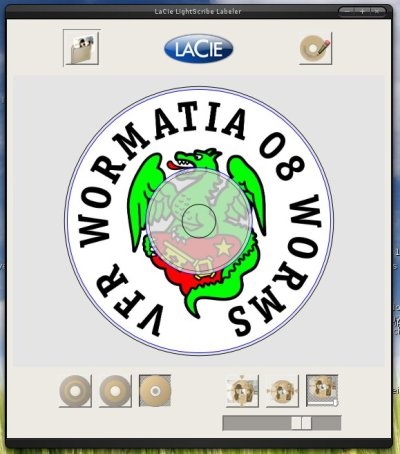
That's it. Warning!!! When burning, insert the disc with the label facing down. In other words, exactly the opposite of normal.
And here is a screenshot of one of my first discs... With the crest of my favorite football club.
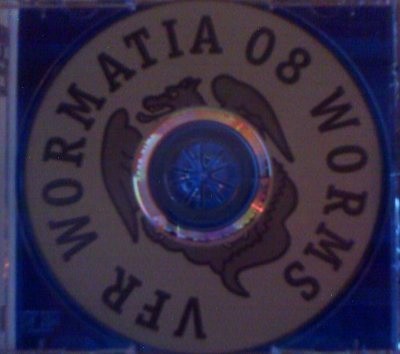
Using 4L turns out to be child's play, too...