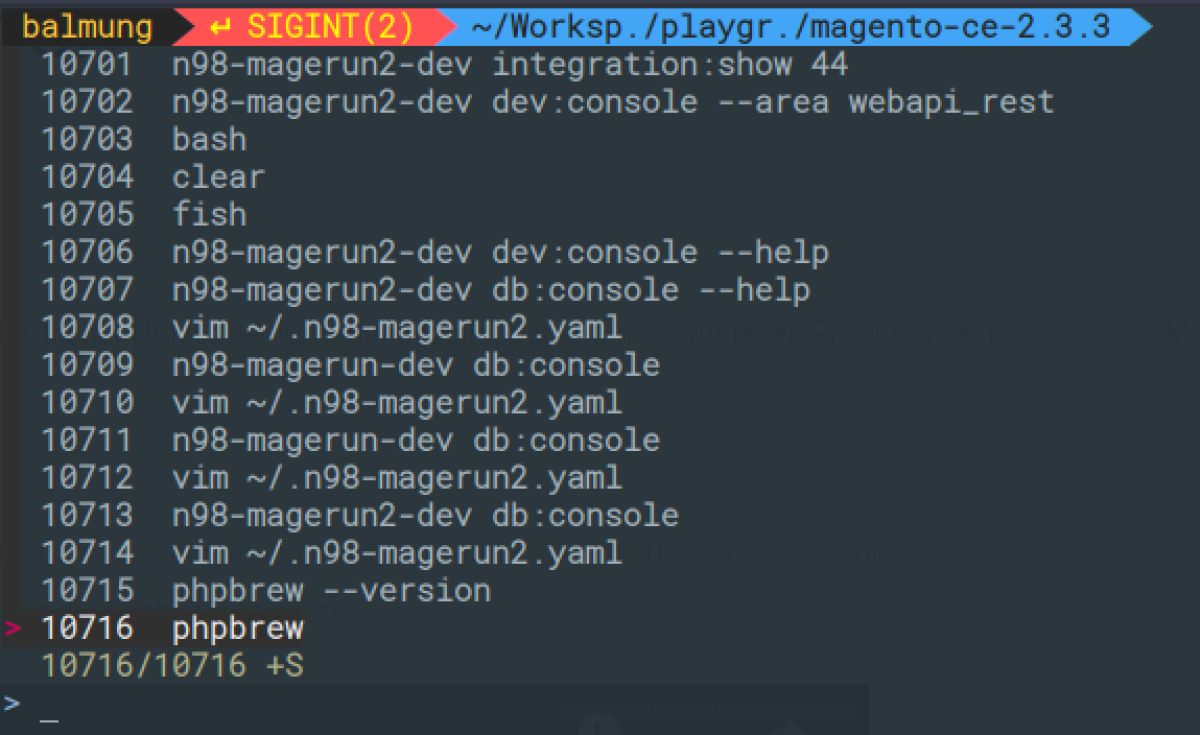
As you know, I am a passionate command-line user. So I am grateful for every productivity tip. My colleague Simon Schröer recommended the tool fzf.
Its author is Korean developer Junegunn Choi. He describes it as "A command-line fuzzy finder" himself. That is a pretty good description. The video gives you a good idea of how the search works.
Installation
On a Mac, the best way to install the tool is via brew.
brew install fzf
Install the Key Bindings
$(brew --prefix)/opt/fzf/install
On Fedora Linux, use the usual package manager.
sudo dnf install fzf
A general installation via GIT is also possible:
git clone --depth 1 https://github.com/junegunn/fzf.git ~/.fzf
~/.fzf/install
To replace the normal history search, you need to install the key bindings for the corresponding shell. In my case, these were located under /usr/share/fzf/shell. There are bindings for Bash, Fish, and ZSH.
Since I use ZSH, I then "sourced" the file in my .zshrc.
source /usr/share/fzf/shell/key-bindings.zsh
That was all there was to it. From now on, I enjoy using the history search much more and use it more often.