For work, I need a Facebook account to develop and test applications. While trying things out, I wondered, "Where can I actually delete or deactivate an account again?"
It is very easy. Under "Settings" in the main navigation, then under "Account Settings," there is a "Deactivate Account" link right at the bottom.
That is easy, I thought. Let's try it, then. But they do not make it easy to leave. First, they try to guilt-trip you: "The following friends will miss you."
That did not bother me much, though, since I do not do much on Facebook. Basically nothing. So, onward...
No problem. Next, I gave the reason for leaving, with a note that it was really none of Facebook's business.
Then I confirmed the deactivation with a CAPTCHA. But what happens next? Is all the data really deactivated?
In my case, I got a nice error message. So much for easy deactivation.
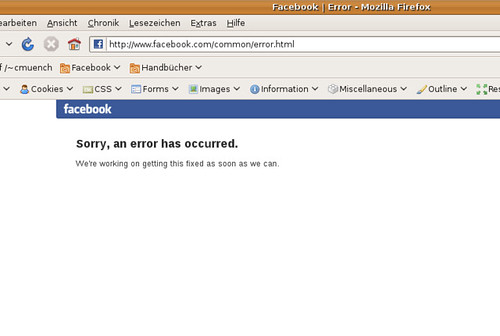
A shame. But who would suspect anything sinister?