What do I do now? I need a Microsoft SQL Server for a project! Set up a Windows box just for one project?
No, that's what VMWare is for. And it's free, too!
So straight to the VMWare site, where I quickly requested a free key for the software and started the download. The 101 MB file downloaded quite quickly over my DSL connection.
The server comes in a tar.gz archive that you simply unpack. To install it, the current headers for the installed kernel must be on disk. If they are not, you can easily install the headers on Ubuntu with the command: apt-get install build-essential linux-headers-uname -r.
Server installation is then started with the Perl script vmware-install.pl. Apart from the path for storing the "virtual machines," you can safely accept the defaults.
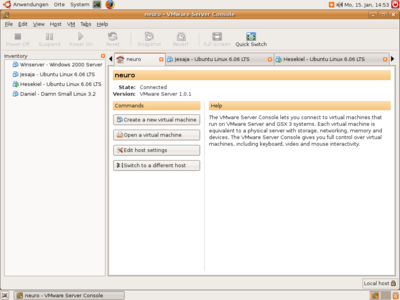
And that's it. Under "Applications -> System Tools," you will now find the "VMWare Server Console," through which you can administer all your virtual machines.
I first installed a Windows 2000 Server here. Then I just installed SQL Server 2000 on the system. That was it. Since the network connection is bridged through the host system's network card, the new Microsoft SQL Server is already available on my network.
Naturally, this whetted my appetite for more. Before long, two more instances were installed (this time Ubuntu 6.06).
The VMWare console
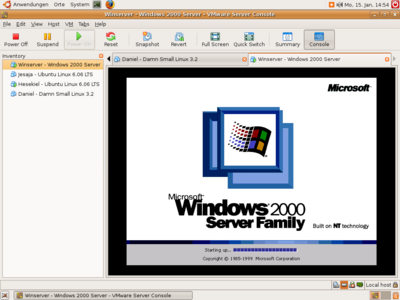
Windows 2000 Server booting
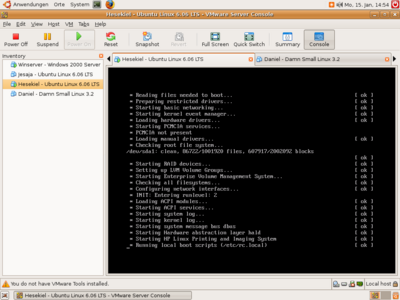
Ubuntu 6.06 system